
If your company has a valid SprayCapture and/or SprayBrush license, you can sign up for our Knowledge Base to get access to help articles, troubleshooting guides and best practice recommendations.
⚠️ IMPORTANT – Your Knowledge Base account is not the same that you use to access SprayCapture and/or SprayBrush.
Registering with a different email domain than your company email domain is not supported. To gain access to the individual articles, please use your company email domain when registering for the Knowledge Base.
How to Access the Knowledge Base
ℹ️ If you do not have an account yet, you can register via this Registration form or via the "Sign In" button in the top right corner, where you can choose to register a new account.
Please register with your company email address and create a new password to finalize the registration.
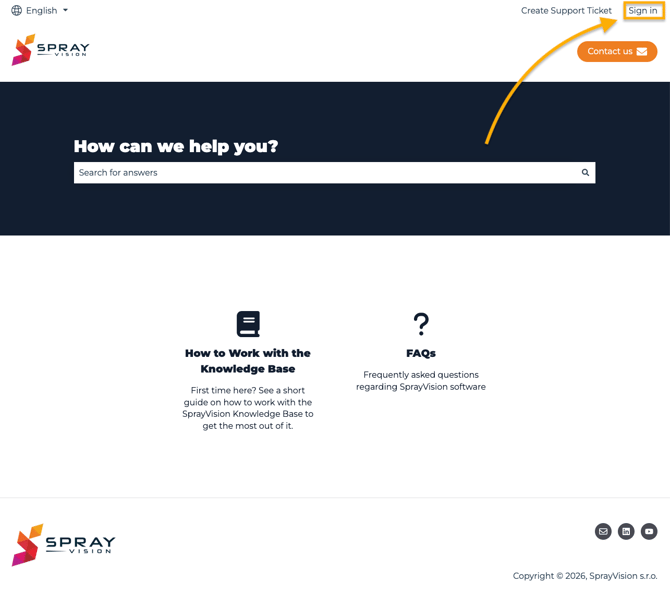
If you already do have an account to access the Knowledge Base but cannot see the full content, you need to Sign in using the button in the top right corner of the page:
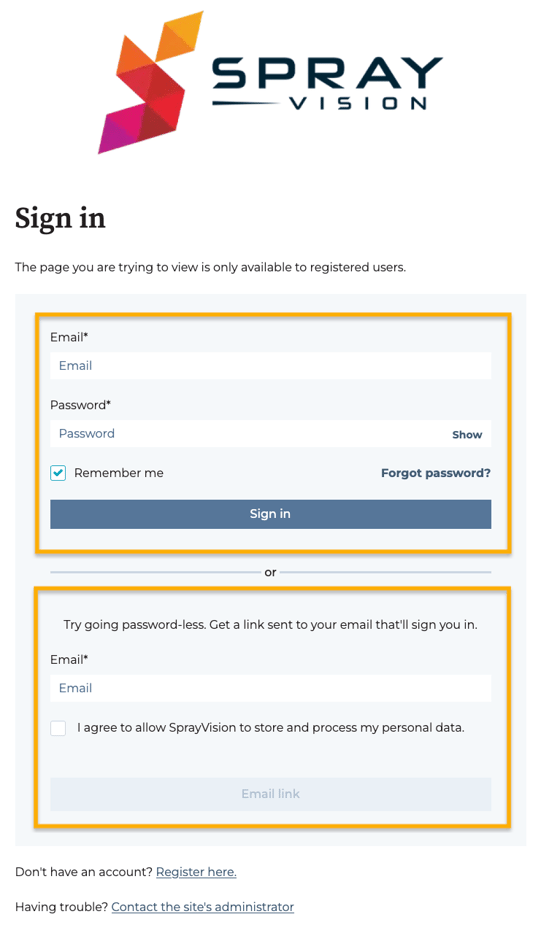
To sign in, you can continue with your email address and the password you registered with, or you can use the password-less method to sign in through a verification link that will be sent to your mailbox.
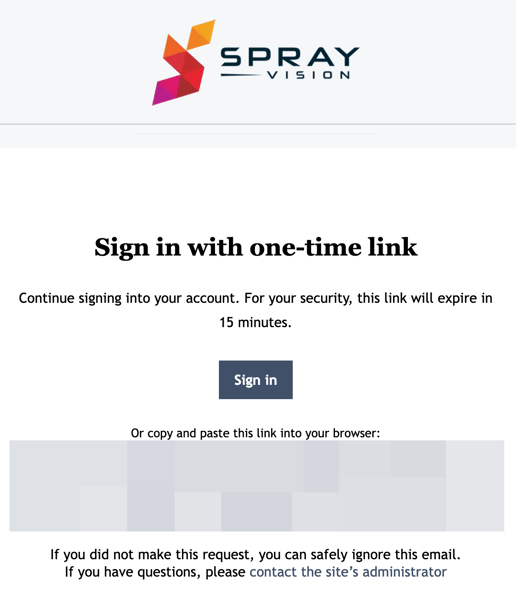
⚠️ IMPORTANT – Please note that for security reasons, the sign-in link is valid for 15 minutes only.
Password-less sign-in method – example email
If you run into any issues while trying to register or sign into our Knowledge Base, please do not hesitate to contact us via support@sprayvision.com.
How to Work with the Knowledge Base
After successfully signing into your SprayVision Knowledge Base account, you will see other sections based on the license tier available to your company. For example, if you use both SprayCaptue and SprayBrush, you will see the following article categories:
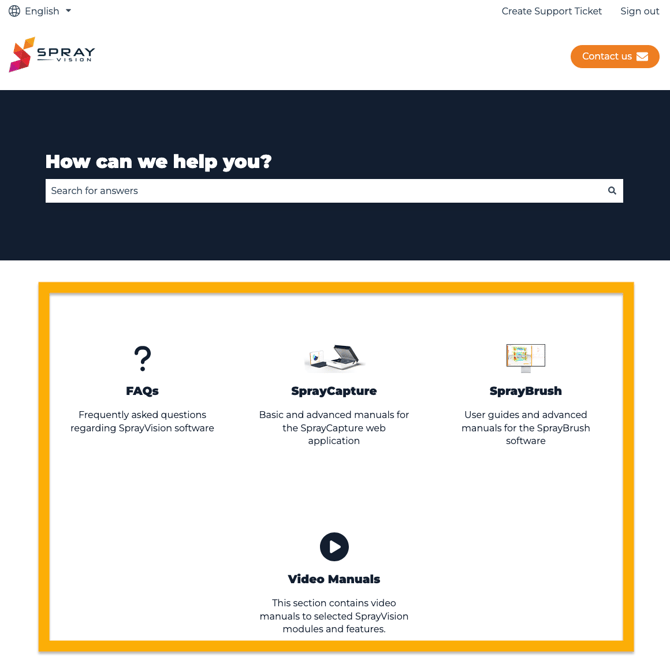
Clicking on any of the available article categories will open a list of subcategories with individual help articles related to the selected topic.
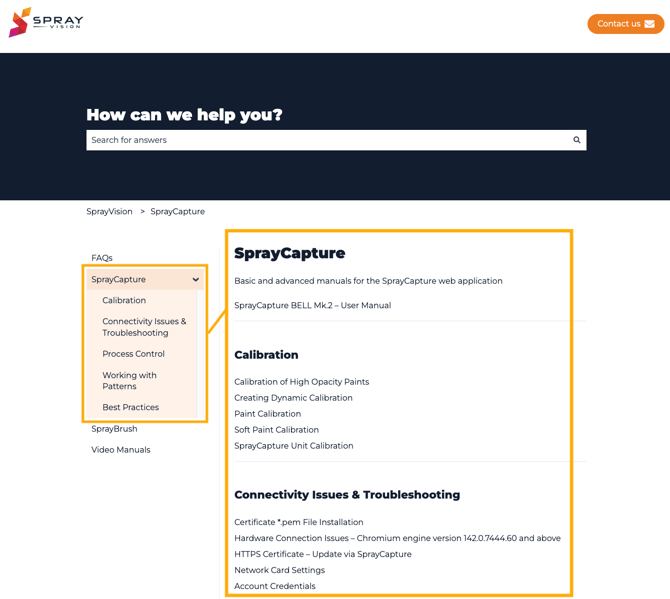
Many of the articles contain clickable quick navigation menus to help you navigate through the individual article sections easily and effortlessly.
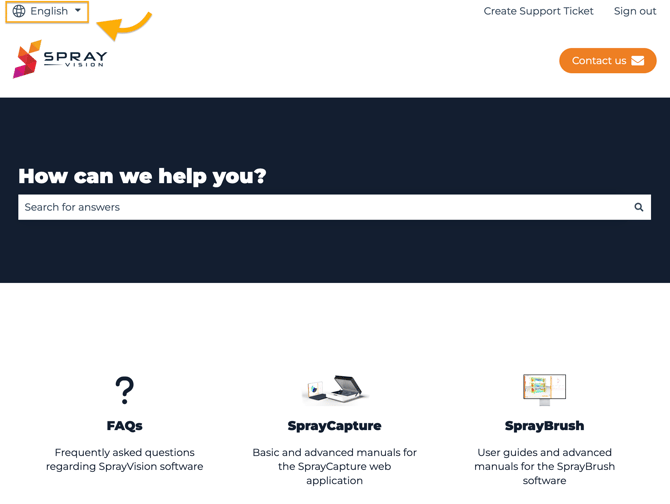
By default, the Knowledge Base is available in English, but you can switch to different language versions of the articles using the 🌐 Language icon in the top left corner of the page. You can switch between the language versions also while reading a specific article.
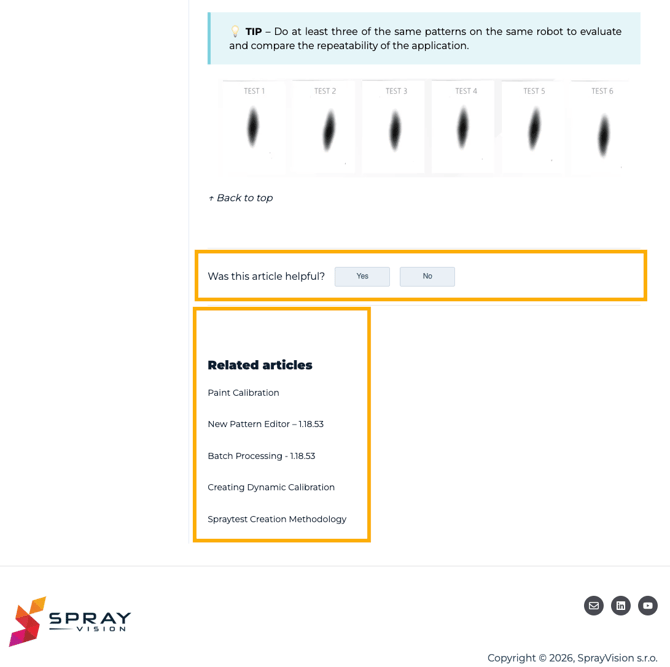
At the end of each article, the Knowledge Base will offer related articles based on the topic you were reading about. You can also leave a feedback for the SprayVision team to let us know in case the article was not helpful or if you would like to have the article extended with more information.
We hope you enjoy our new Knowledge Base!
If you did not find the answers you were looking for here, or if you run into any issues while trying to register or sign into our Knowledge Base, please do not hesitate to contact us via support@sprayvision.com.