
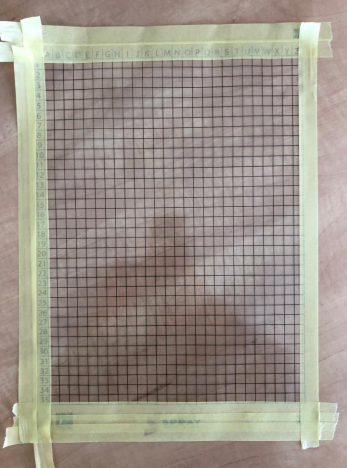
STEP 1
Mask the edges of the foil, to cover all the numbers, writings and other things to keep the edges of the foil clean.
STEP 2
Mask the 2/3 part of the grid.
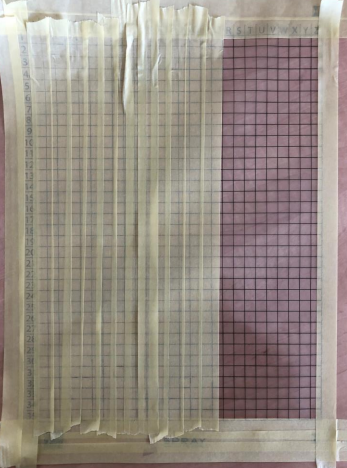
STEP 3
Paint the foil with dynamic pattern test, the paint will stay on 1/3 of the foil.
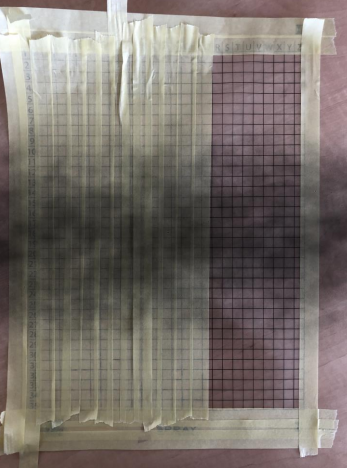
STEP 4
Unmask the middle part of the foil, and paint the dynamic pattern again. The foil will be now painted from 2/3.
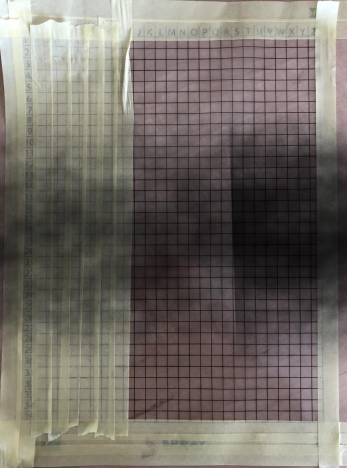
STEP 5
Unmask the last 1/3 of the foil and paint it again. The result should look like as is shown on the picture.
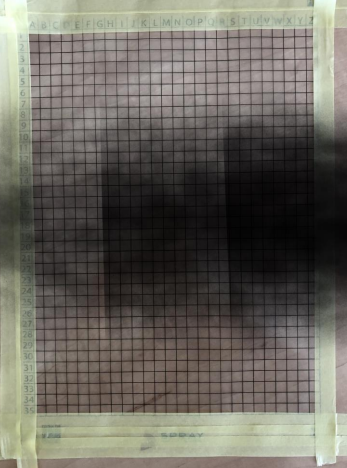
STEP 6
Unmask the edges of the foil, and put the foil into curing oven to get the paint dry.
⚠️ IMPORTANT – The foils are made for usage only to 120°C maximum!
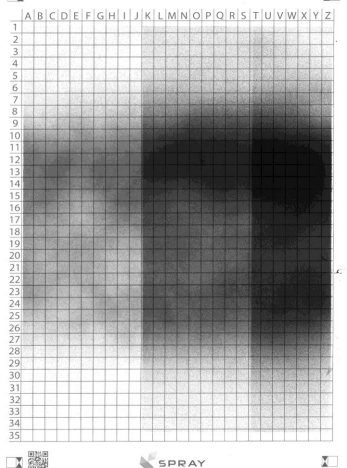
The foil should look like this:
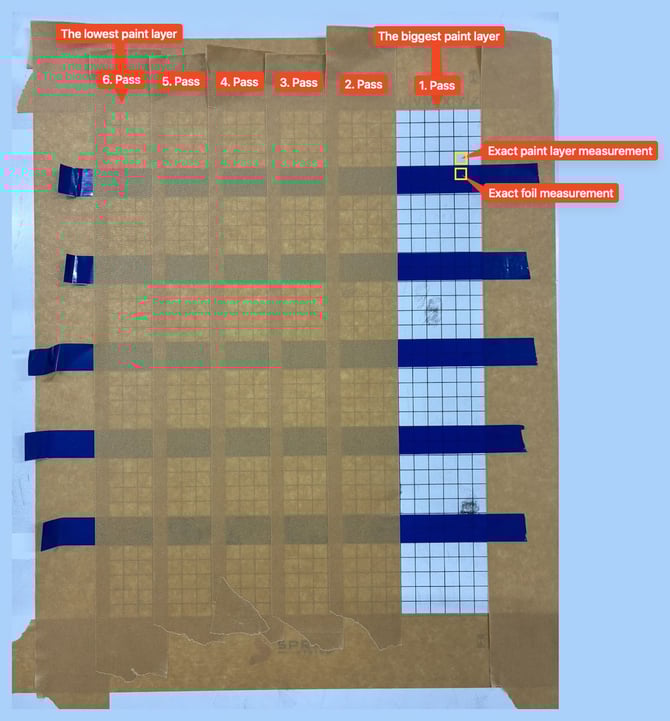
To achieve better accuracy by eliminating film flatness deviations, please mask, spray, and measure the following calibration foil:
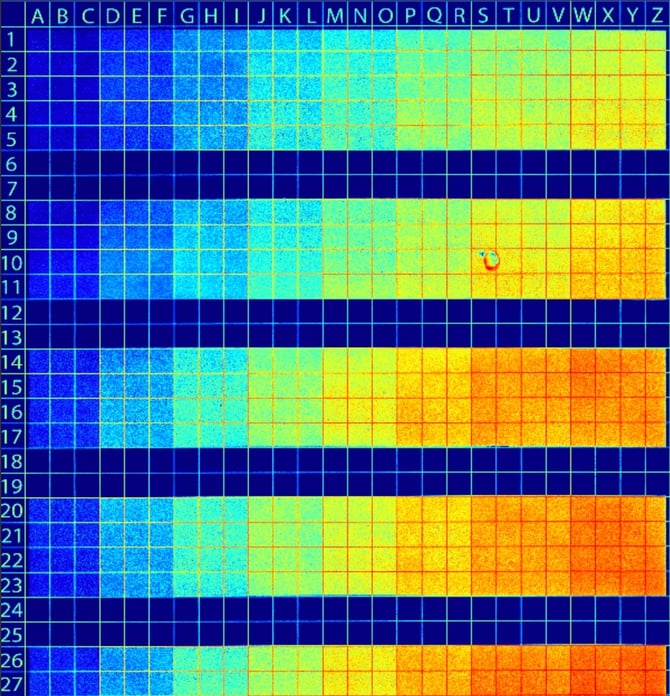
ℹ️ Color scale:
Dark blue = low film thickness / transparent layer
Dark red = high film thickness / highly opaque layer
You can also watch our video on Dynamic Calibration: